
Choosing a charger used to be simple. One brick. One cable. Done.
Today, the choices feel overwhelming: USB-C vs USB-A, wattage numbers, fast-charging claims, wireless charging, travel adapters. Many people either overbuy or choose something that does not actually match how they use their devices.
The most reliable way to choose the right charger is not to start with specs or products.
It is to start with use cases.
This guide focuses on how charging actually happens in daily life and shows how identifying the use case first makes the right choice obvious.
Start With the Use Case, Not the Product

Before looking at wattage, ports, or features, ask one question:
Where will this charger be used most?
-
A stationary home office
-
A local commute with daily movement
-
International travel with changing outlets and limited space
Each environment creates different constraints. Once those constraints are clear, the charging needs follow naturally.
Home Office Setup: Centralized Power, Minimal Clutter
A home office is typically stationary. Devices stay in one place and are often charged simultaneously throughout the day.
Key considerations for a home office
-
Multiple devices charging at the same time
-
Stable, consistent power delivery
-
Fewer cables and fewer wall chargers
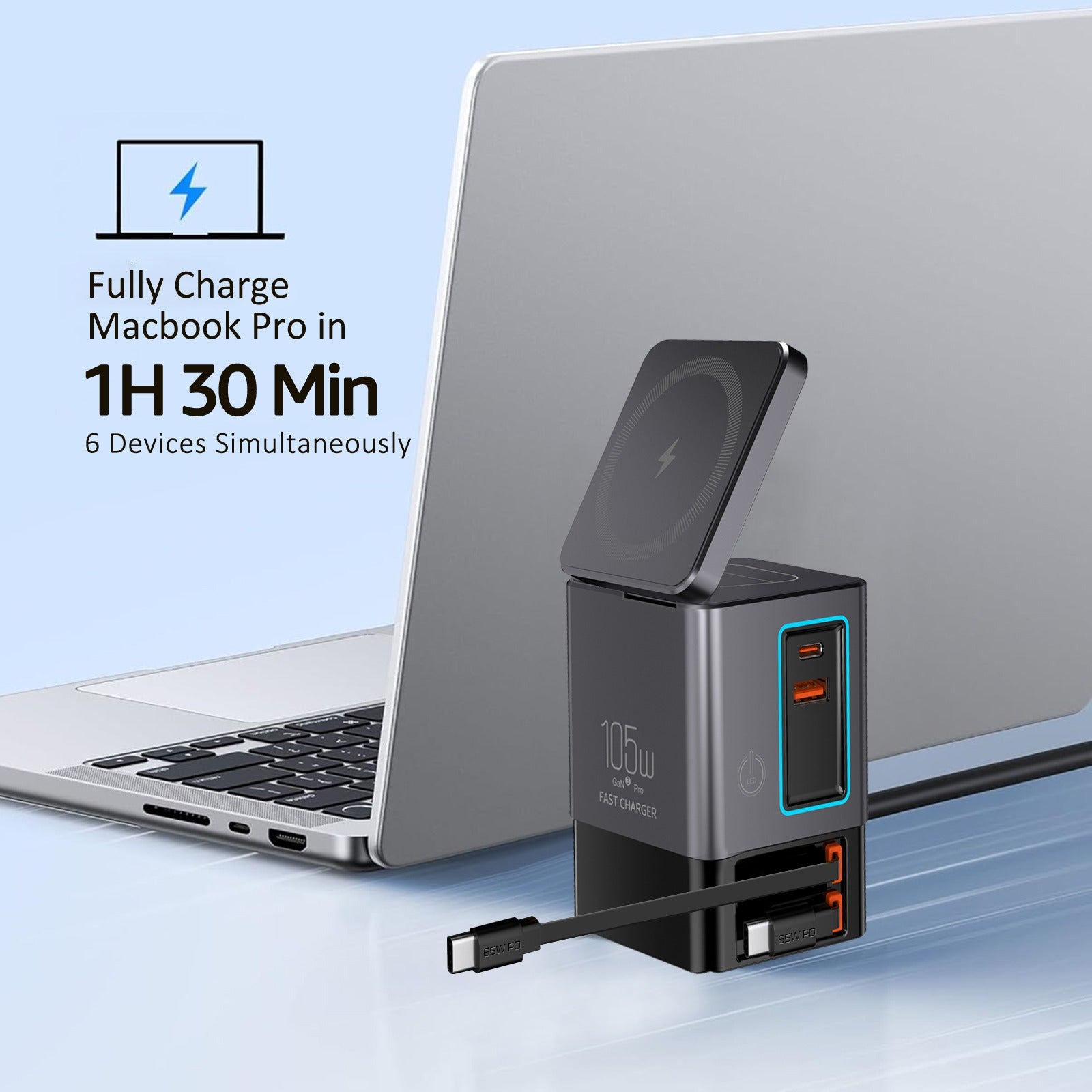
Phones, laptops, tablets, earbuds, and watches often compete for outlets on a desk. Instead of spreading charging across multiple bricks, a centralized desktop solution like a 105W 6-in-1 Charging Station consolidates power into a single location.
In this use case, convenience and organization matter more than portability.
Local Commute: Portable Power That Fits Daily Routines
Local commuting introduces movement. Chargers are carried in bags, used briefly in cars, cafes, trains, or shared workspaces, and unplugged frequently.
Key considerations for local commuting
-
Compact and lightweight design
-
Fast charging support
-
Backup power for longer days
For routine phone and accessory charging, a Commuter Fast-Charge Essentials Kit covers everyday needs without adding bulk.
For longer days or unpredictable schedules, a Commuter Pro Kit adds flexibility by combining a power bank, a high-capacity USB-C cable, a compact wall adapter, and earbuds into a single carry setup. This supports both fast top-ups and untethered charging when outlets are not available.
The goal for local commuting is reliability and flexibility, not charging everything at once.
International Travel: Versatility Over Raw Power
International travel adds a different layer of complexity. Outlets vary by country, plug access is often limited, and packing efficiency matters.
Key considerations for international travel
-
Outlet compatibility across regions
-
Compact, lightweight design
-
Ability to charge multiple devices from limited sockets
Charging internationally is not just about wattage. Outlet compatibility becomes equally important, which is why an International Travel Adapter is a foundational requirement for global trips.
Rather than managing separate adapters and chargers, many travelers prefer a unified setup like a Global Travel Charging Kit, which combines fast charging and outlet compatibility into a single system. This reduces packing complexity and eliminates guesswork when arriving in a new country.
Wireless Charging on the Go: Reducing Cable Friction
Travel and commuting often involve limited surface space. Hotel desks, nightstands, and airport tables rarely accommodate multiple cables and stands.
Wireless charging can reduce friction in these environments. Compact solutions such as a 3-in-1 Swivel Qi2 Charger can replace several separate accessories while keeping devices visible and accessible.
Wireless charging is less about speed and more about convenience when space and outlets are constrained.
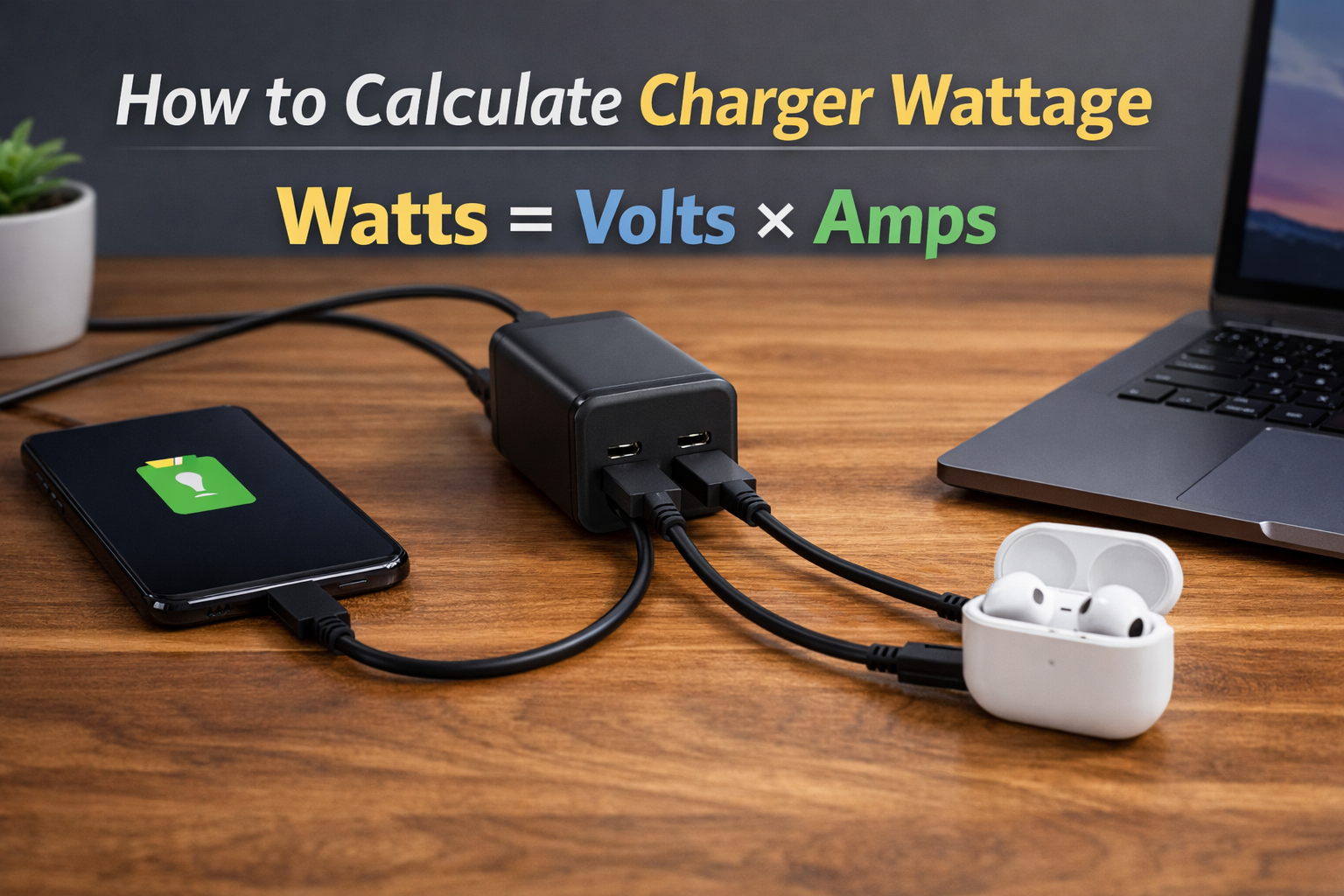
Understanding Wattage Without Overthinking It
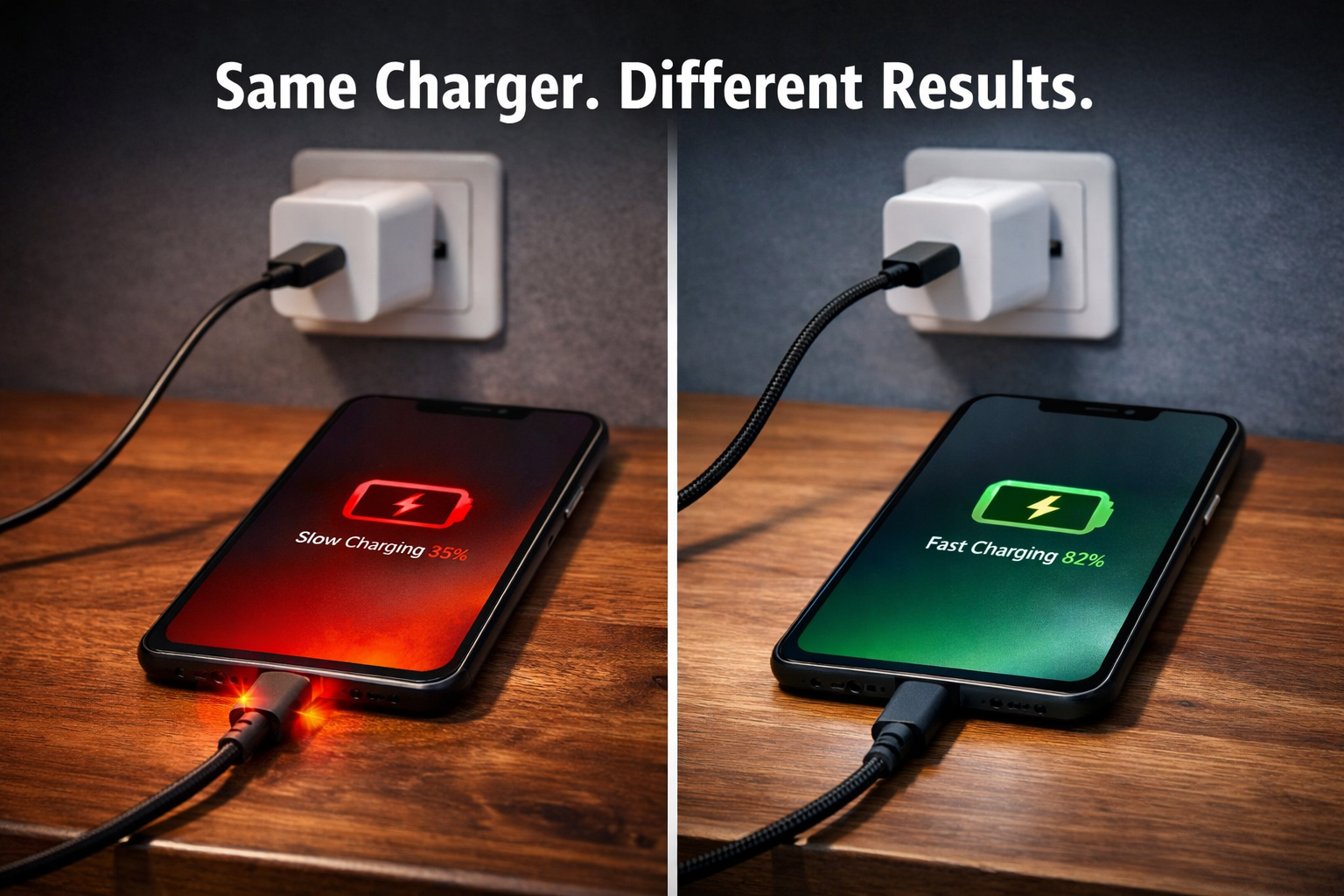
Higher wattage does not automatically mean faster charging.
-
Devices determine how much power they accept
-
Chargers supply only what devices request
-
Cable quality still affects charging efficiency
For phones and accessories, moderate wattage paired with quality cables often performs better than oversized chargers with poor cables. For laptops, matching or slightly exceeding the manufacturer’s recommended wattage is usually sufficient.
Bringing It All Together
The best charger is not the most powerful one.
It is the one that fits how charging actually happens.
A thoughtful approach:
-
Identify the use case
-
Determine the constraints
-
Define the needs
-
Select products that fit those needs
Once the use case is clear, the right charger choice usually reveals itself.