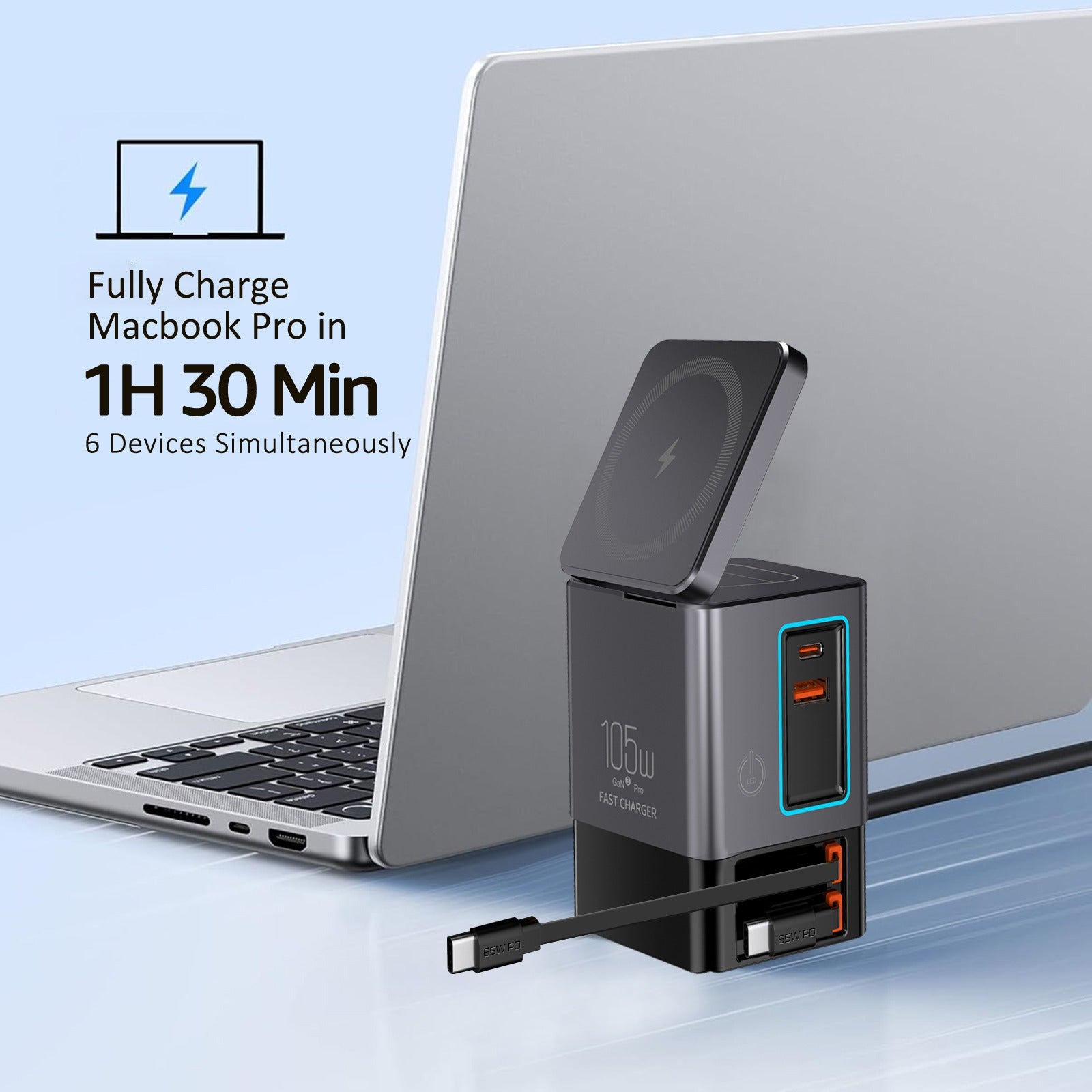

Choosing the right charger is not about buying the highest wattage available.
It is about understanding how much power your devices actually need—and how chargers safely deliver it.
If you have ever wondered:
-
Why one charger powers a laptop while another struggles
-
Whether a single charger can handle multiple devices
-
Or how to avoid overheating and slow charging
This guide will walk you through how to calculate charger wattage correctly.
What Charger Wattage Really Means
Wattage represents the maximum power a charger can deliver, not what it always pushes into a device.
Your device decides how much power it pulls.
The charger simply needs to have enough capacity available.
Basic formula:
Watts (W) = Volts (V) × Amps (A)
This formula applies to all chargers, cables, and devices.

Step 1: Find Your Device’s Power Requirement
Most devices list their charging needs in one of three places:
-
On the original charger
-
On the device itself
-
In the product manual or manufacturer website
Examples:
-
Phone: 9V ⨉ 2A = 18W
-
Tablet: 9V ⨉ 3A = 27W
-
Laptop: 20V ⨉ 3.25A = 65W
If your device lists wattage directly, use that number.
If it lists volts and amps, multiply them.
Step 2: Understand USB-C Power Delivery (PD)
Modern chargers use USB-C Power Delivery, which allows devices and chargers to negotiate power safely.
This means:
-
The charger does not force wattage
-
Each device requests only what it needs
-
Power adjusts dynamically as devices connect or disconnect
This is why a 100W charger does not damage a phone that only needs 18W.
Step 3: Calculating Wattage for Multiple Devices
When charging more than one device at the same time, total wattage matters.
Example setup:
-
Laptop: 65W
-
Phone: 20W
-
Earbuds: 5W
Total required wattage = 90W
Your charger should meet or exceed the combined total.
If the charger is underpowered:
-
Charging slows down
-
Devices may cycle on and off
-
Heat increases
Step 4: Why More Wattage Is Not Dangerous
A common myth is that high-watt chargers damage batteries.
That only happened with older, fixed-output chargers.
Modern chargers:
-
Provide available capacity, not forced power
-
Rely on device-controlled power requests
-
Include thermal and electrical protections
A higher-watt charger often runs cooler and more efficiently than an underpowered one.
Step 5: The Cable Matters More Than You Think
Even with the right charger, a poor cable can:
-
Limit charging speed
-
Generate heat
-
Cause unstable power delivery
For higher wattage charging:
-
Look for USB-C cables with e-marker chips
-
Ensure the cable supports the charger’s wattage rating
A 100W charger paired with a 60W cable will still be limited to 60W.
Common Wattage Reference Table
| Device Type | Typical Wattage |
|---|---|
| Wireless earbuds | 5W |
| Smartphone | 18–30W |
| Tablet | 30–45W |
| Ultrabook laptop | 45–65W |
| Performance laptop | 90–140W |
Use this as a planning guide, not a rulebook.
How to Choose the Right Charger (Simple Rule)
-
Identify your highest-power device
-
Add wattage for other devices you charge simultaneously
-
Choose a charger that exceeds that total by a small margin
-
Pair it with certified, high-quality cables
This avoids overbuying while ensuring stable, safe charging.
Final Takeaway
Calculating charger wattage is not complicated—but guessing leads to problems.
When you understand:
-
Voltage
-
Current
-
Total system load
You can confidently choose one charger that works across home, work, and travel setups.
Power should be predictable, not stressful.