

Modern homes no longer charge one device.
They power entire ecosystems.
Laptops, tablets, phones, earbuds, smartwatches, external displays, cameras, and battery packs often need power at the same time.
If you are setting up a home office or upgrading your workspace, building a future-proof charging setup ensures your devices remain safe, compatible, and efficient for years to come.
Many modern laptops now require between 65W and 100W of power, while high-resolution monitors and docking setups demand higher-bandwidth cables and stable signal integrity.
A future-proof charging setup is not about buying the highest wattage charger.
It is about designing a scalable power system that supports evolving USB-C standards, higher wattage requirements, and expanding device ecosystems.
Here is how to build it correctly.
Start With a High-Capacity Power Foundation
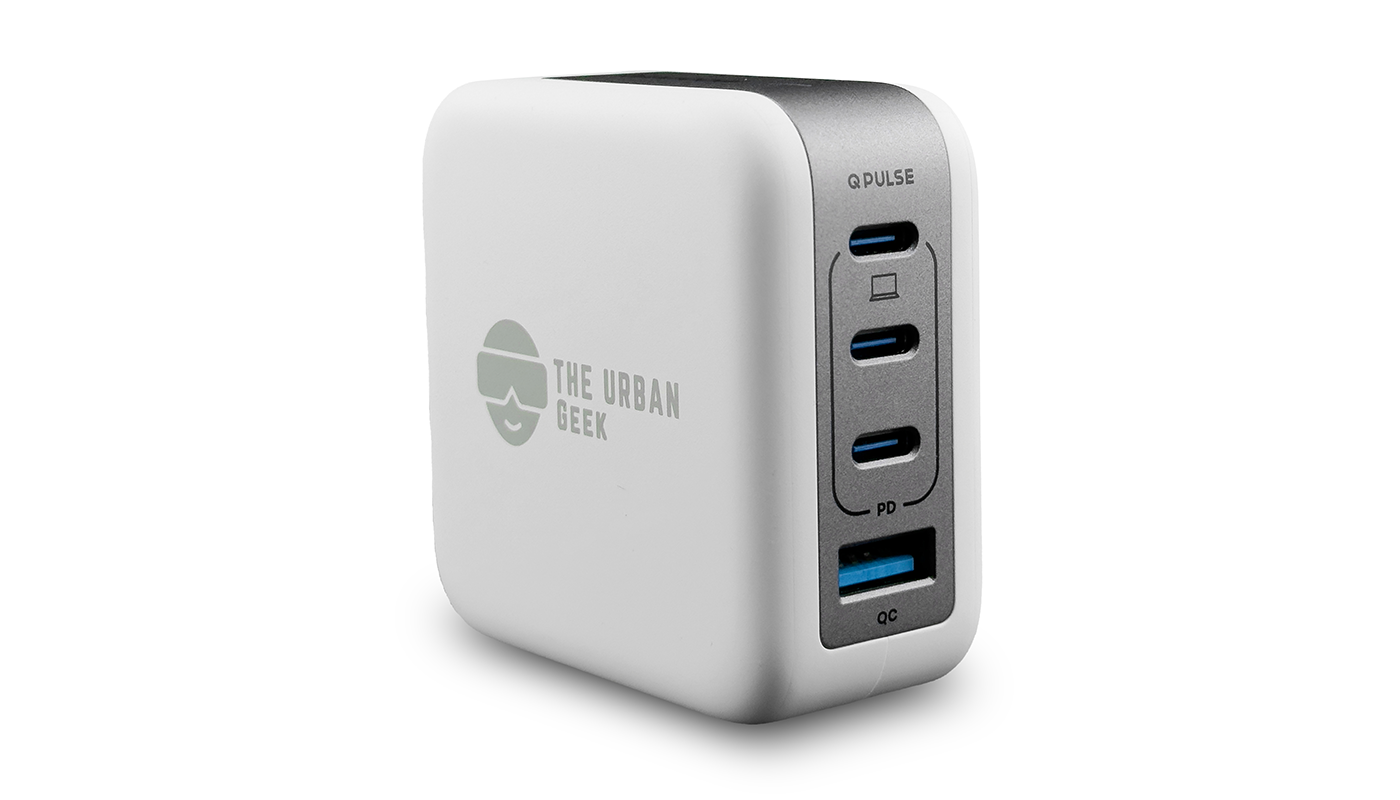
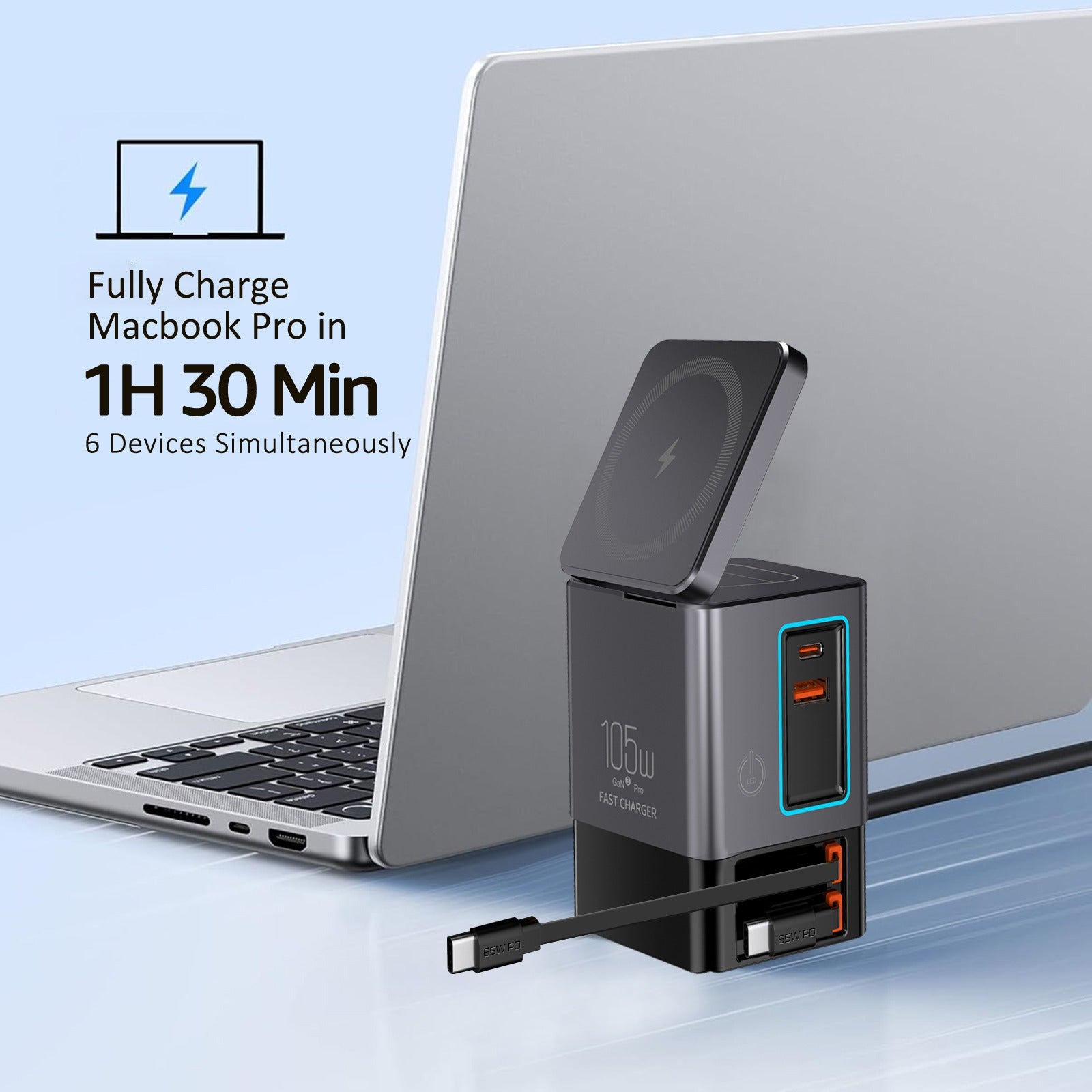
The core of any future-proof setup is a multi-port charger with intelligent power distribution.
Modern USB-C Power Delivery chargers dynamically allocate wattage based on what each device requests. This prevents overheating and ensures efficient charging across devices.
Instead of stacking multiple wall adapters, use a centralized hub.
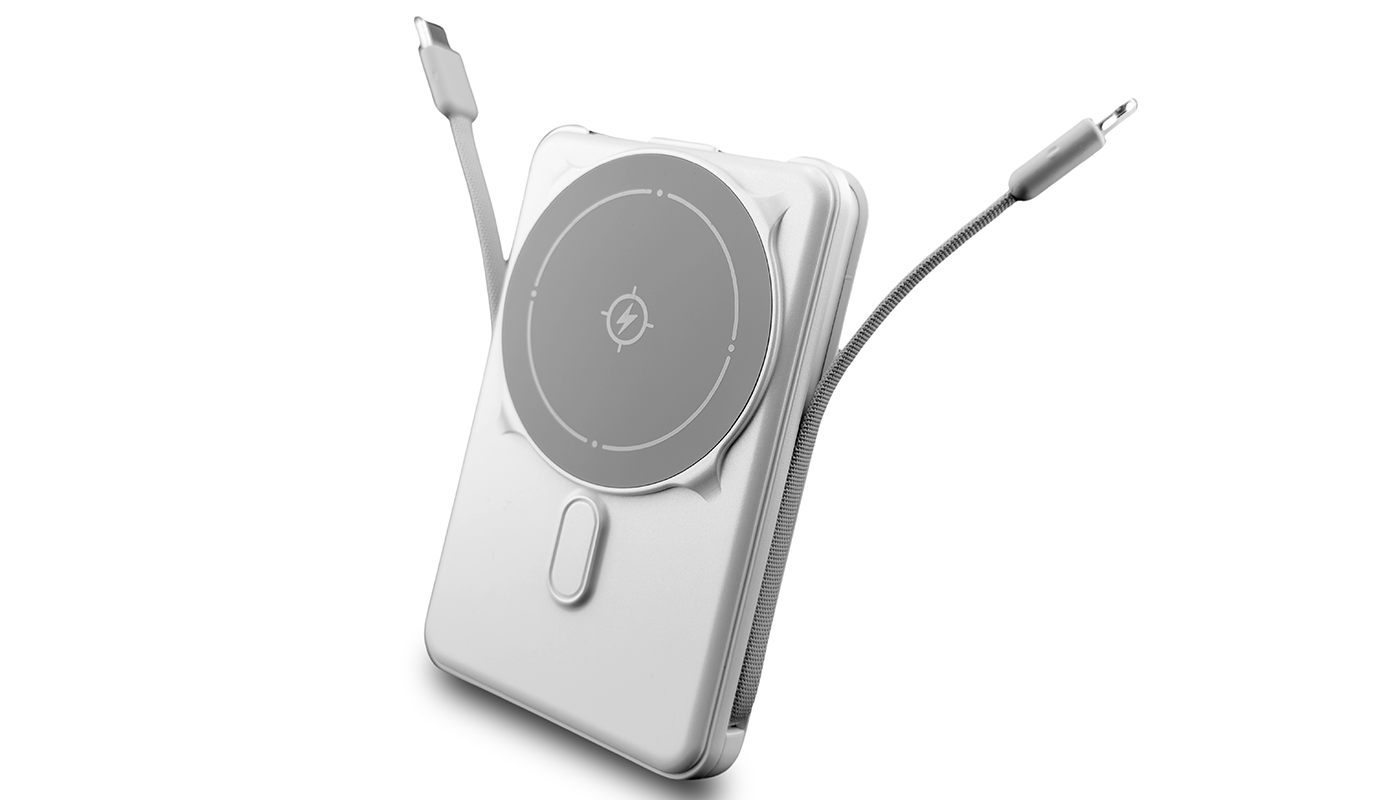
A centralized charging solution like our Remote Work Essentials Bundle simplifies cable management while delivering consistent power across devices.

Upgrade Your Data + Display Cables
Charging is only half the story.
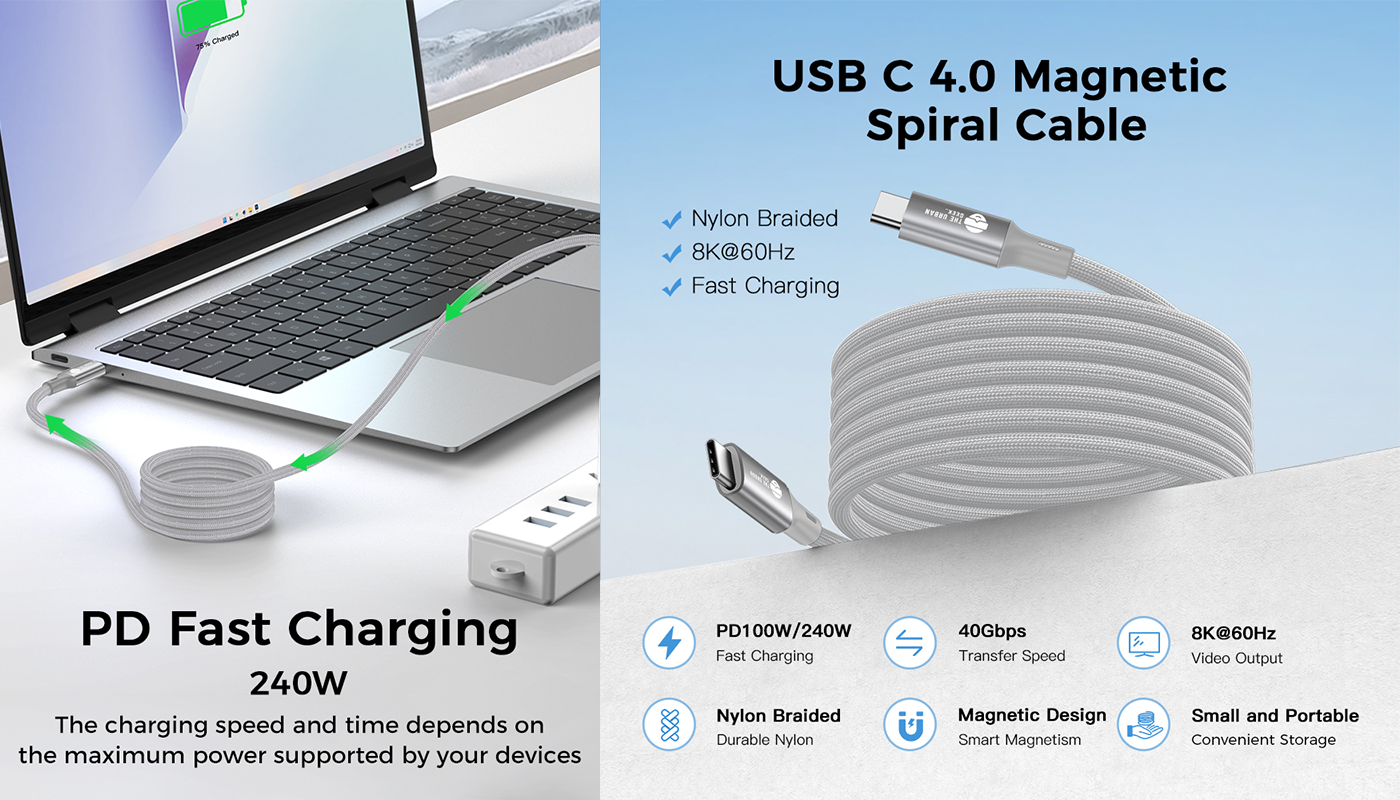
As monitors evolve from 4K to 8K, and laptops push higher refresh rates, your cables must support higher bandwidth and stable signal integrity.
A weak cable can:
-
Throttle display resolution
-
Cause flickering
-
Overheat under sustained load
-
Limit fast charging speeds
An 8K Display Cable ensures your setup remains compatible with next-generation monitors and high-refresh workflows.
Think Modular, Not Disposable
Future-proofing also means maintainability.
Loose ports, worn screws, unstable stands — small hardware issues shorten the life of tech setups.
Instead of replacing accessories entirely, maintain and adjust them properly.
A compact Electric Screwdriver makes quick hardware adjustments effortless, extending the lifespan of your accessories.
Choose Standards That Will Still Matter in 5 Years
Standards like USB Power Delivery (USB PD 3.1) and GaN-based chargers provide higher efficiency and better thermal management for modern workspaces.
Focus on:
-
USB-C Power Delivery
-
High-wattage (100W+ for laptops)
-
Backward compatibility
-
Certified safety (UL, ETL, FCC)
-
Intelligent power management
Avoid:
-
Proprietary charging systems
-
Under-rated cables
-
Low-quality adapters with no safety certifications
Future-proofing is about compatibility + safety + scalability.
Design for Your Lifestyle, Not Just Specs
A future-proof setup looks different depending on:
-
Remote workers
-
Families with multiple devices
-
Gamers
-
Frequent travelers
-
Content creators
For example:
- Remote workers benefit from centralized hubs.
- Travelers benefit from compact multi-port GaN chargers.
- Families benefit from shared charging stations to reduce clutter.
Future-proofing is about flexibility.
The Real Goal: Stability Over Speed
The fastest charger is not always the best charger.
The best charging setup:
-
Runs cool
-
Distributes power intelligently
-
Supports evolving standards
-
Minimizes clutter
-
Reduces wear on ports and cables
That is how you build a setup that lasts.
As you upgrade your workspace or rethink your power system, a few practical questions often come up. Below are answers to the most common ones.
Frequently Asked Questions About Building a Future-Proof Charging Setup
What makes a charging setup future-proof?
A future-proof charging setup uses high-wattage USB-C Power Delivery, certified cables, and scalable charging hubs that support evolving device standards.
Is 100W enough for modern laptops?
Most modern laptops require between 65W and 100W of power. Choosing a charger that supports 100W or higher ensures compatibility with future upgrades.
Do cables affect charging speed?
Yes. Poor-quality cables increase resistance, generate heat, and limit power delivery. High-bandwidth, certified cables ensure stable charging and signal integrity.
How do I organize a multi-device charging setup?
Use a centralized charging station, high-quality cables of appropriate length, and structured cable management to reduce clutter and prevent overheating.