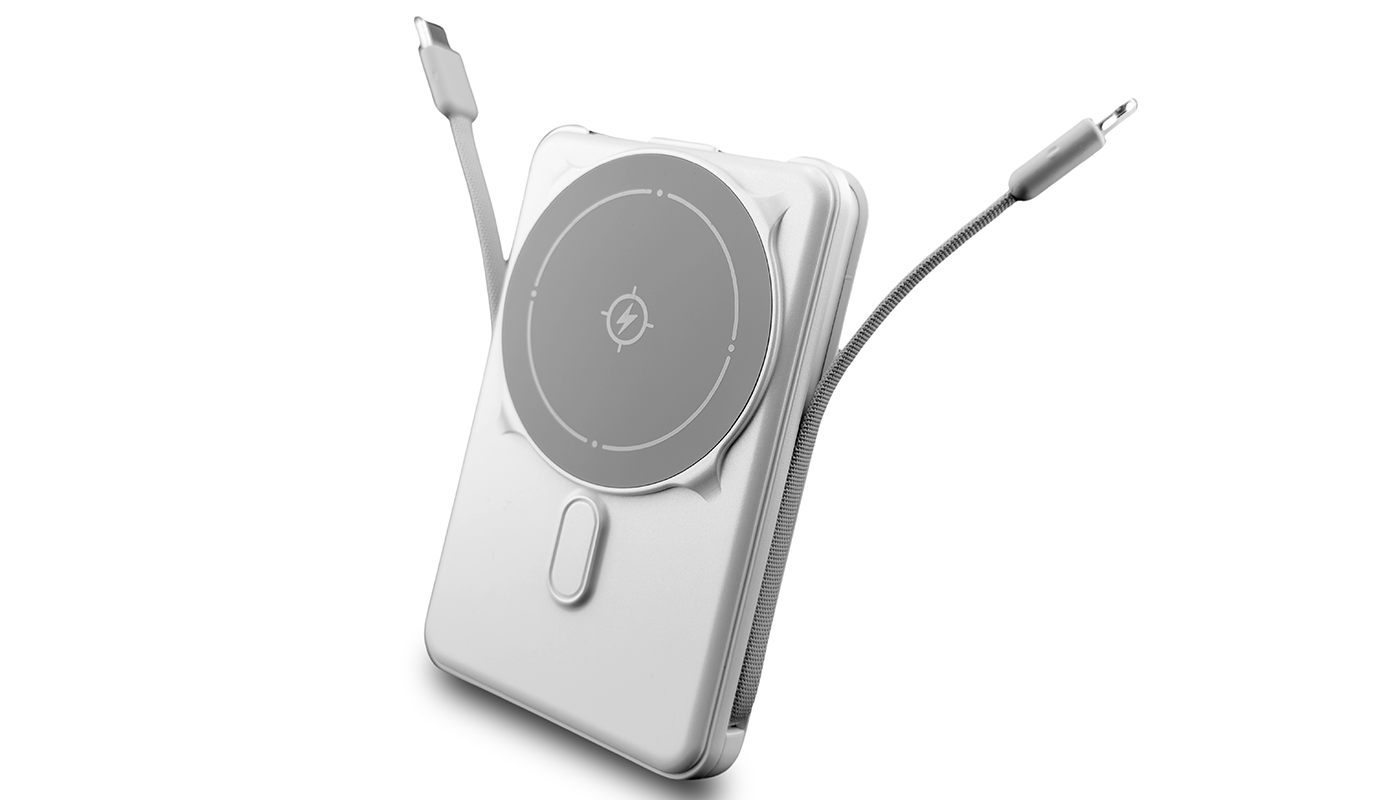
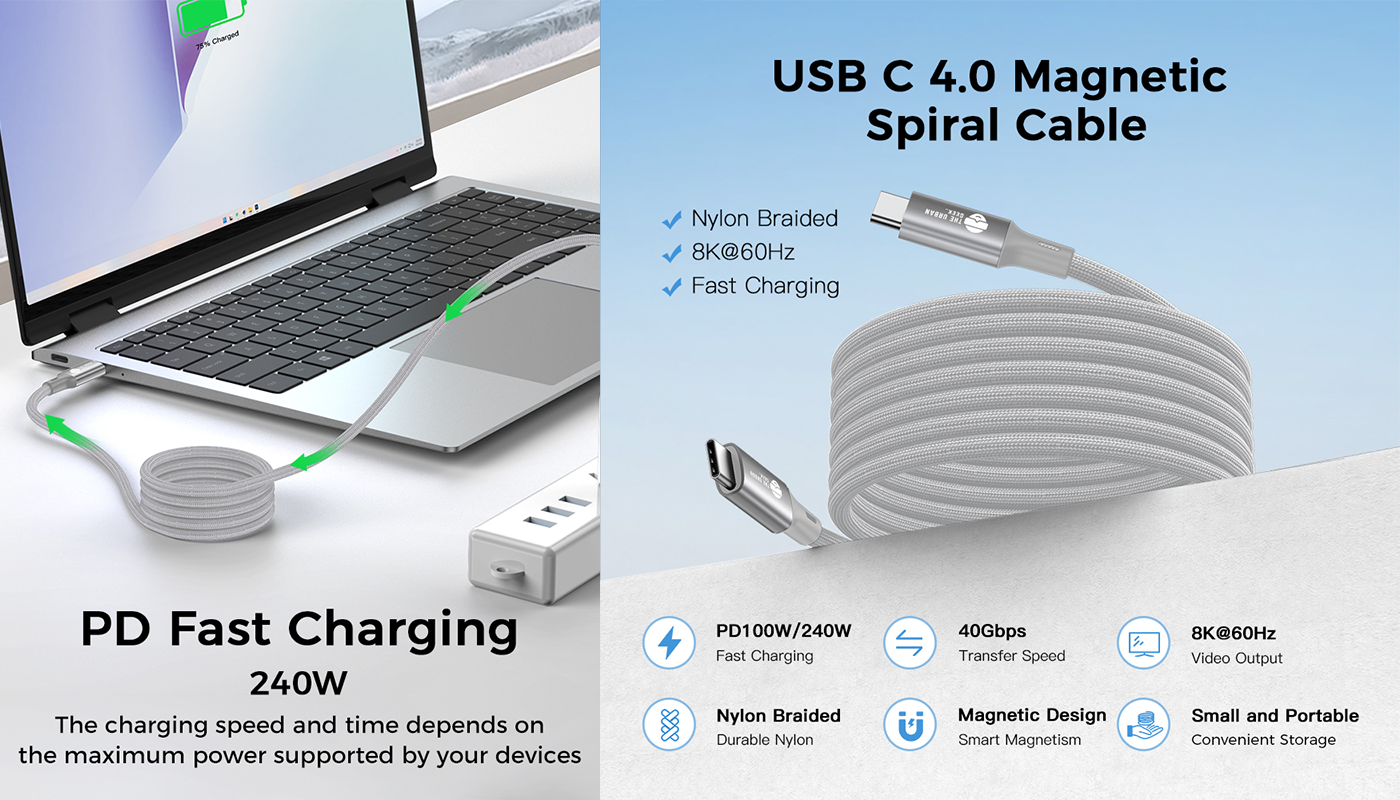
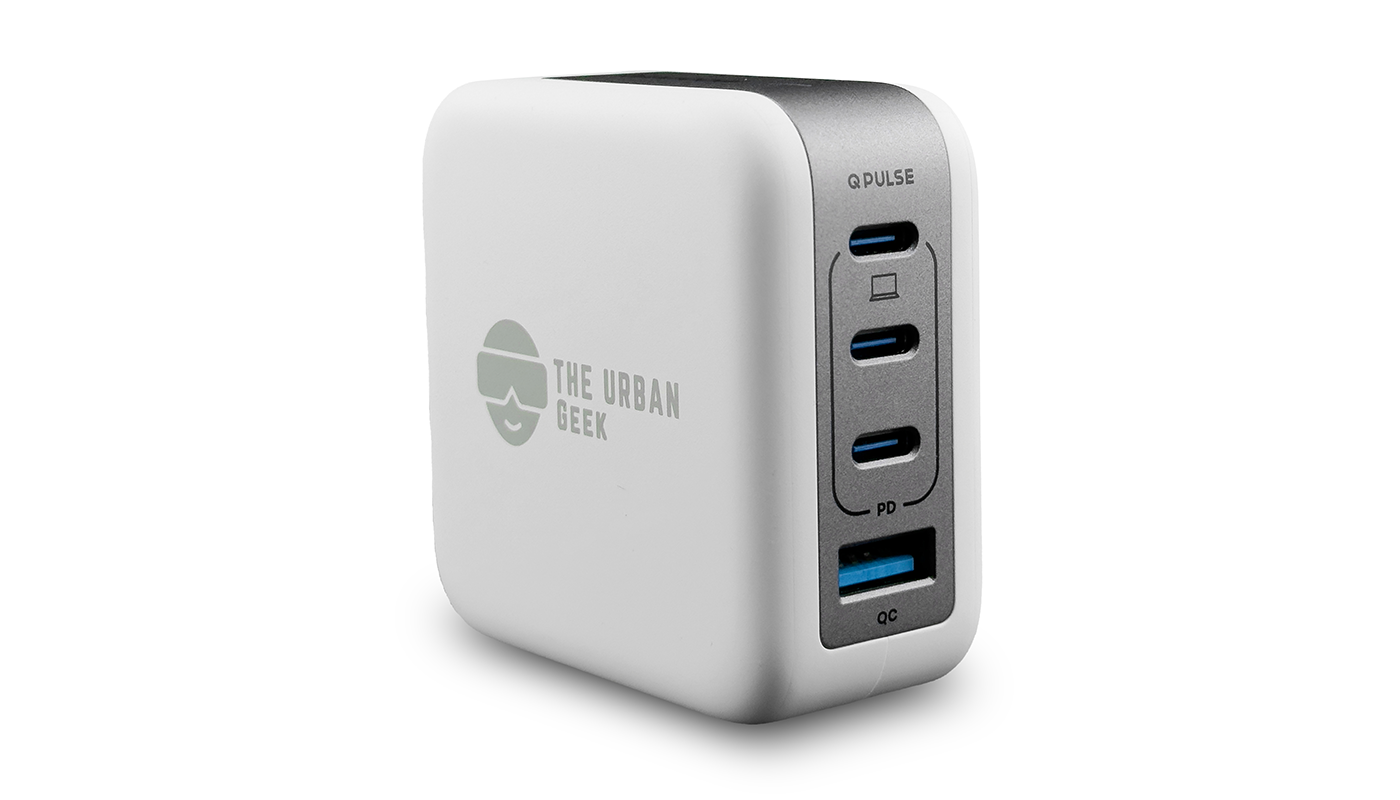


Charging myths are everywhere — especially on social media. But when it comes to smartphone battery safety, facts matter more than opinions or viral advice.
This guide debunks the most common phone charging myths using trusted sources from Apple, Samsung, IEEE, USB-IF, Battery University, and global safety standards bodies.
If you want to protect battery health, extend device lifespan, and charge safely, start here.
Who This Guide Is For
This guide is for anyone who uses a phone, tablet, laptop, or wireless charger and wants clear, science-backed answers about battery safety and charging.
Whether you are:
- A casual smartphone user
- A tech enthusiast or professional
- A parent charging multiple devices at home
- A traveler relying on fast chargers and power banks
If you charge devices, this guide is for you.

Why You Can Trust This Guide
To separate facts from viral misinformation, this guide references official guidance and independent research from device manufacturers, safety standards organizations, and battery research institutions — including Apple, Samsung, IEEE, USB-IF, Battery University, and global safety certification bodies.
Let’s uncover what’s actually true.
Myth #1: “Fast charging damages your battery.”
Fact:
Fast charging is safe when using certified USB-C or Qi2 chargers.
Why it’s safe
Modern chargers — especially GaN chargers — use:
- Temperature monitoring
- Overcurrent protection
- Smart power negotiation
The Urban Geek PowerPort 70W / The Urban Geek PowerPort 100W GaN chargers follow these standards.
Myth #2: “Charging overnight will ruin the battery.”
Fact:
Modern smartphones are designed to stop actively charging once they reach full capacity. Charging slows or pauses at 100% to protect battery health.
(Verified by Apple, Samsung, and Battery University.)
Why the myth exists
Older batteries (pre-2005) suffered from a memory effect. Modern lithium-ion batteries do not.
Still important
Heat is the real enemy. Avoid keeping your phone under a pillow or in poorly ventilated areas while charging.
Myth #3: “Using your phone while charging is unsafe.”
Fact:
It is safe — unless you use counterfeit or uncertified chargers.
You’re safe if:
- Your charger is UL/ETL/CE/FCC certified
- Your cable is high-quality and not frayed
- Your charging brick is from a verified manufacturer
All Urban Geek chargers are certified to the required standards
Myth #4: “You must fully drain your battery before charging.”
Fact:
This is outdated advice.
Best practice
Keep your battery between 20%–80% for optimal health when possible.
Myth #5: “Third-party chargers are unsafe.”
Fact: They’re safe if they meet certified safety standards.
Safe third-party chargers MUST have:
- USB-IF certification (USB-C chargers)
- MFi certification for older iPhones (Lightning)
- Qi2 certification for wireless chargers (from WPC)
The Urban Geek products use certified factories and UL-listed components.
Myth #6: “Leaving your phone on a wireless charger all day is harmful.”
Fact: Modern Qi and Qi2 wireless chargers are designed to regulate power and manage heat automatically.
Once your phone reaches full charge, charging slows or pauses to protect battery health.
According to the Wireless Power Consortium, Qi and Qi2 chargers dynamically adjust power output to reduce heat buildup and prevent overcharging.
What to avoid
- Placing wireless chargers in hot environments (cars, windowsills)
- Covering the charger or phone with pillows, blankets, or fabric
- Using uncertified wireless chargers with poor heat control
- Charging through thick or metal cases that trap heat
Myth #7: “Your charger should match your phone’s exact wattage.”
Fact:
Your phone only draws the power it needs, regardless of how powerful the charger is.
Higher-wattage chargers do not force extra power into your device.So a 100W charger is completely safe for a phone that only supports 27W.
The USB-IF confirms that USB Power Delivery uses digital negotiation, meaning the device controls how much power it draws — not the charger.
What to Avoid:
- Using non-certified or counterfeit chargers
- Assuming higher wattage always means faster charging
- Using damaged or low-quality cables
- Mixing unknown cables with high-power adapters
This is why high wattage USB-C adapters from The Urban Geek safely power phones, tablets, and laptops without risking battery damage.
Most Important Tip
(Verified by Apple + Samsung + IEEE)
Heat is the #1 killer of battery health.
Not charging speed. Not overnight charging. Not high-wattage adapters.
Avoid:
- Charging while gaming
- Leaving the phone in a car
- Using unventilated charging mats
Favor:
- GaN chargers (run cooler)
- Qi2 magnetic alignment (reduces energy loss)
- Short, high-quality USB-C cables
References:
https://support.apple.com/en-us/102574
https://support.apple.com/en-us/105099
https://www.usb.org/usb-charger-pd
https://ecal.berkeley.edu/pubs/IEEE-TVT-ETAC-HEP_Final.pdf
https://support.apple.com/guide/iphone/optimize-battery-charging-iph9202bbd07/ios
https://www.samsung.com/ca/support/mobile-devices/galaxy-battery-protection-feature-in-one-ui-6-1/
https://batteryuniversity.com/article/bu-409-charging-lithium-ion
https://www.wirelesspowerconsortium.com/knowledge-base
Disclaimer: This article is for general educational purposes only. Charging behavior, battery performance, and device features may vary by manufacturer and model. Always follow the guidelines provided by your device manufacturer and use certified charging accessories.
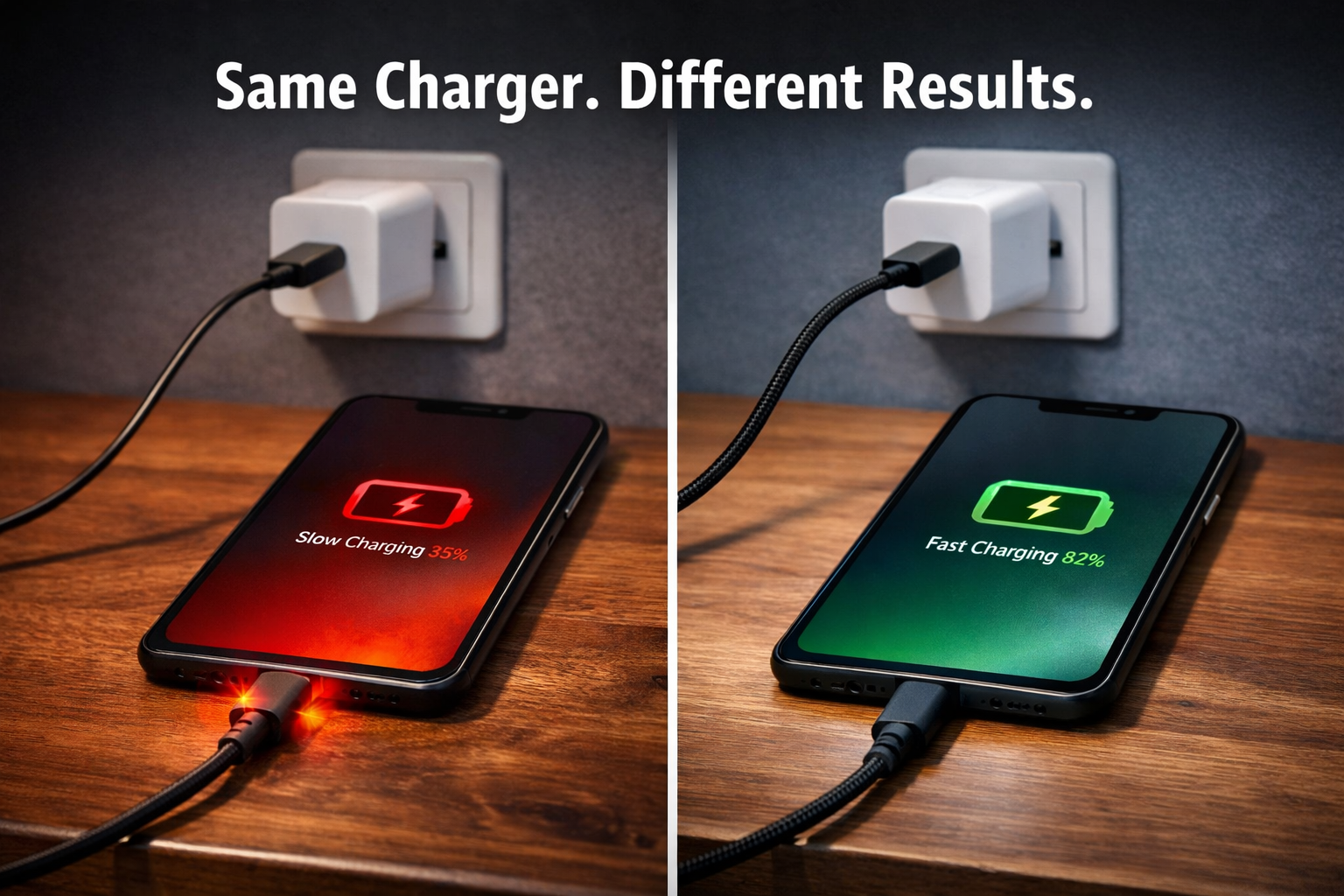

2 comments
Author - The Urban Geek
Hello Andrew,
Thanks for the question. For an Apple-heavy setup like yours, there are two solid approaches depending on how you like to charge.
Option 1 (modular): A 100W GaN adapter https://www.theurbangeek.co/products/p100-100w-4-port-usb-fast-adapter paired with a swivel charger and quality USB-C cables gives your MacBook full power headroom while keeping your phone and accessories easy to dock or grab. It travels well and keeps things flexible.
Option 2 (all-in-one): If you prefer a single setup on your desk or nightstand, our 105W 6-in-1 Charging Station https://www.theurbangeek.co/products/105w-6-in-1-wireless-charging-station simplifies things by powering your MacBook, phone, tablet, and accessories at the same time without juggling adapters.
In both cases, the key is sufficient total wattage, sensible port layout, and good-quality cables so devices can negotiate power safely.
Hello Andrew,
Thanks for the question. For an Apple-heavy setup like yours, there are two solid approaches depending on how you like to charge.
Option 1 (modular): A 100W GaN adapter https://www.theurbangeek.co/products/p100-100w-4-port-usb-fast-adapter paired with a swivel charger and quality USB-C cables gives your MacBook full power headroom while keeping your phone and accessories easy to dock or grab. It travels well and keeps things flexible.
Option 2 (all-in-one): If you prefer a single setup on your desk or nightstand, our 105W 6-in-1 Charging Station https://www.theurbangeek.co/products/105w-6-in-1-wireless-charging-station simplifies things by powering your MacBook, phone, tablet, and accessories at the same time without juggling adapters.
In both cases, the key is sufficient total wattage, sensible port layout, and good-quality cables so devices can negotiate power safely.
Andrew Smith
I have a iPhone 17 pro max, iPad Pro, AirPods, and a MacBook Pro. Essentially entire major apple stack – which charger would you recommend? I am not much into geeky tech stuff – I just need something that is convenient and travel ready, yet powerful.
I have a iPhone 17 pro max, iPad Pro, AirPods, and a MacBook Pro. Essentially entire major apple stack – which charger would you recommend? I am not much into geeky tech stuff – I just need something that is convenient and travel ready, yet powerful.